RD Gateway SSL Certificate Cannot Be Applied When Using ECDH_P521

Issue

Attempting to import and apply an SSL certificate through the RD Gateway Manager server fails. An error message is displayed when attempting to bind the certificate:
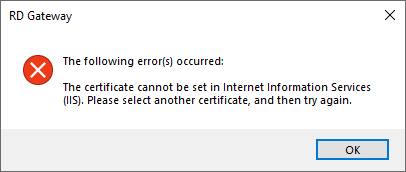
The certificate cannot be set in Internet Information Services (IIS). Please select another certificate, and then try again.

Cause

This issue was observed when using a certificate issued with the ECDH_P521 algorithm. IIS does not seem to support this algorithm.


Resolution

  1. Open the certificate template used to issue the RD Gateway certificate.

  2. Change the algorithm from ECDH_P521 to ECDH_P384.

  3. Issue a new certificate using the updated template.

  4. Install the new certificate on the RD Gateway server.

  5. Apply the certificate within the RD Gateway Manager.

Additional Information

This issue was verified on Windows Server 2019.

Date Created: Wednesday, 23 October 2019, 7:07 PM